Default approver on accounts and other dimensions
On all dimensions in Rillion One, such as accounts, cost centres or projects, you can set an approver as the default approver for the dimension.
Instructions
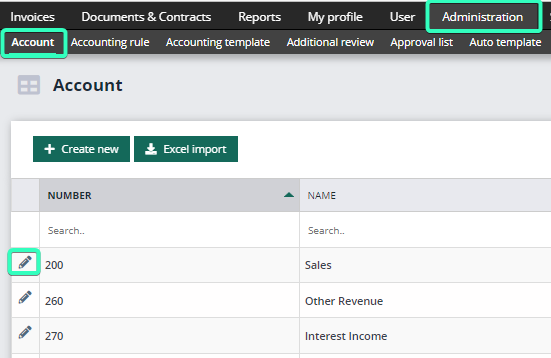
Go to Administration → Account (or another dimension where applicable). Find the account you want to set the default approver for and click the Edit pen on the left side of the page to open the account.
Inside the account, you can fill in the approver to be the default approver.
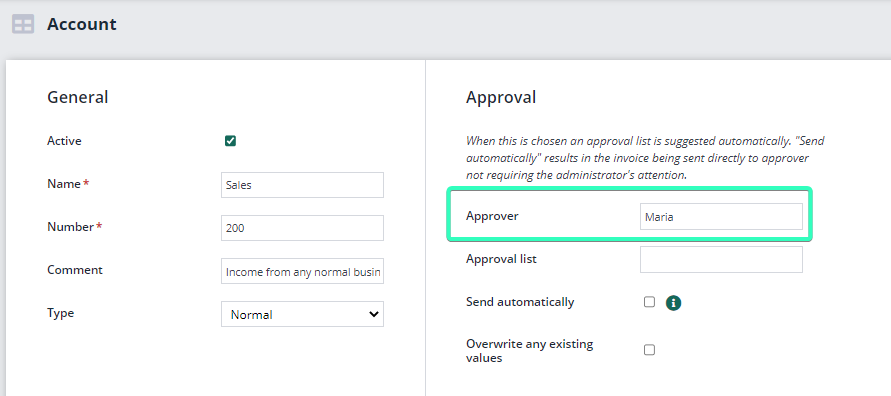
In the example below, Maria will always be selected as the approver when the account 200 is filled in on the posting line for an invoice.
