Enable e-invoice
In Rillion One, you can enable the E-invoice function so that your organisation can receive invoices directly from your supplier’s ERP system. The interpretation is more accurate, since all the information is transferred in a data file. If you choose to enable this function, Rillion One will match the supplier register from your ERP system with your suppliers who offer e-invoices, and then created a link-up between them and Rillion One. It is important that the supplier's company registration number or similar and a supplier contact have been correctly registered in your ERP system. The link-up between Rillion One and the ERP system can take from 20 minutes up to a day to complete. The list is then updated regularly so that new suppliers who provide e-invoices are added automatically.
Enable e-invoice
Click on the Add-on services tab.

In the fields below, enter the company registration number and the email address of a contact person in the organization. If you have several suppliers for which you want to enable e-invoicing, do the same with each of them.
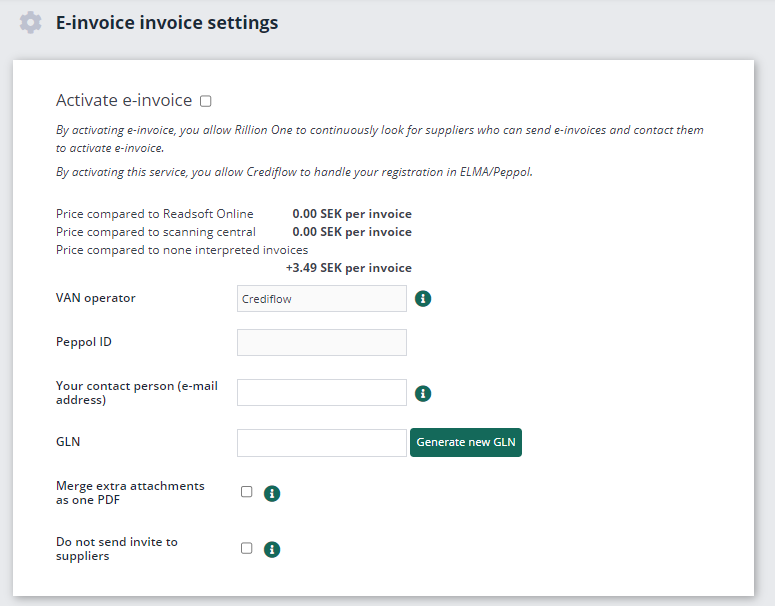
GLN
A Global Location Number (GLN) is used to uniquely identify a company or organisation. A GLN can also be used to identify the delivery points, invoice addresses, workplaces, branches and functions or roles.
In e-commerce, GLN are used as unique identifiers for parties and delivery points and for channelling invoices to a specific address. With GLN, companies can easily exchange information with each other because each party's information only needs to be sent once and not with every business transaction. This information is stored in a database and the GLN is the link to the information.
Generate new GLN from company registration number.

A GLN is not mandatory but can make things easier for your suppliers when they send e-invoices to you.
You also need to ensure that you let your current e-invoice service provider know that they will need to re-direct the invoices to Rillion One. The new service provider for e-invoices is Crediflow.
You enable this service by selecting the checkbox Activate e-invoice.
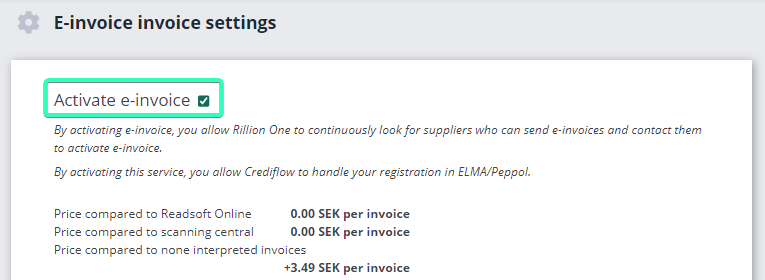
After activation, you can go to the Suppliers tab in the same view to see which suppliers provide e-invoices. It can take from 20 minutes up to a day for the list to be enabled. The list is then updated regularly so that new suppliers who provide e-invoices are added automatically.