Message function in Rillion One
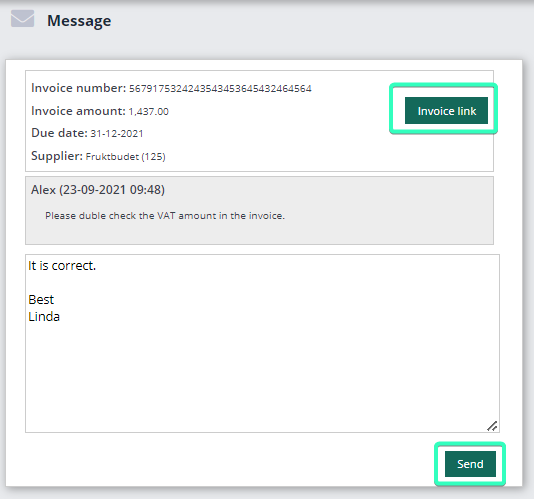
In Rillion One, you can send messages internally to communicate information about the invoices from inside the invoice view. When these messages are sent, they include a link to the invoice image, which makes it easy follow up on the reason for the message.
Send messages to Invoice Administrators and colleagues in Rillion One
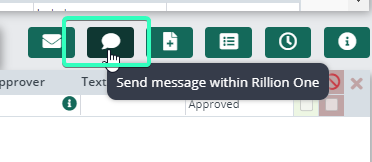
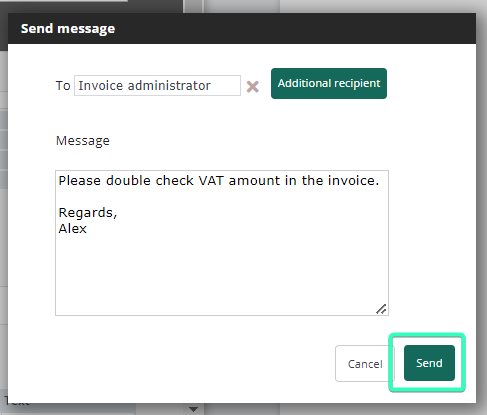
Click on the button Send message within Rillion One from the invoice view above the posting lines, select the recipient (Invoice Administrators is the default but can be changed to any user), and enter your message then Send.
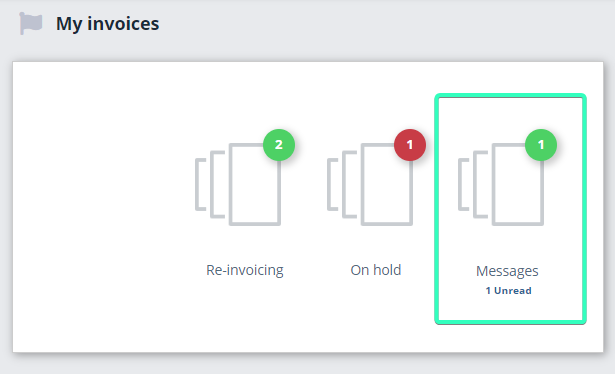
The overview in Rillion One then clearly shows the receiver that there is an unread message waiting.
The sender may also receive a folder with messages so that they know that one or more messages have been sent.
Click to open Messages.
You can choose to respond and also view the invoice which will open in a separate tab, Invoice link.