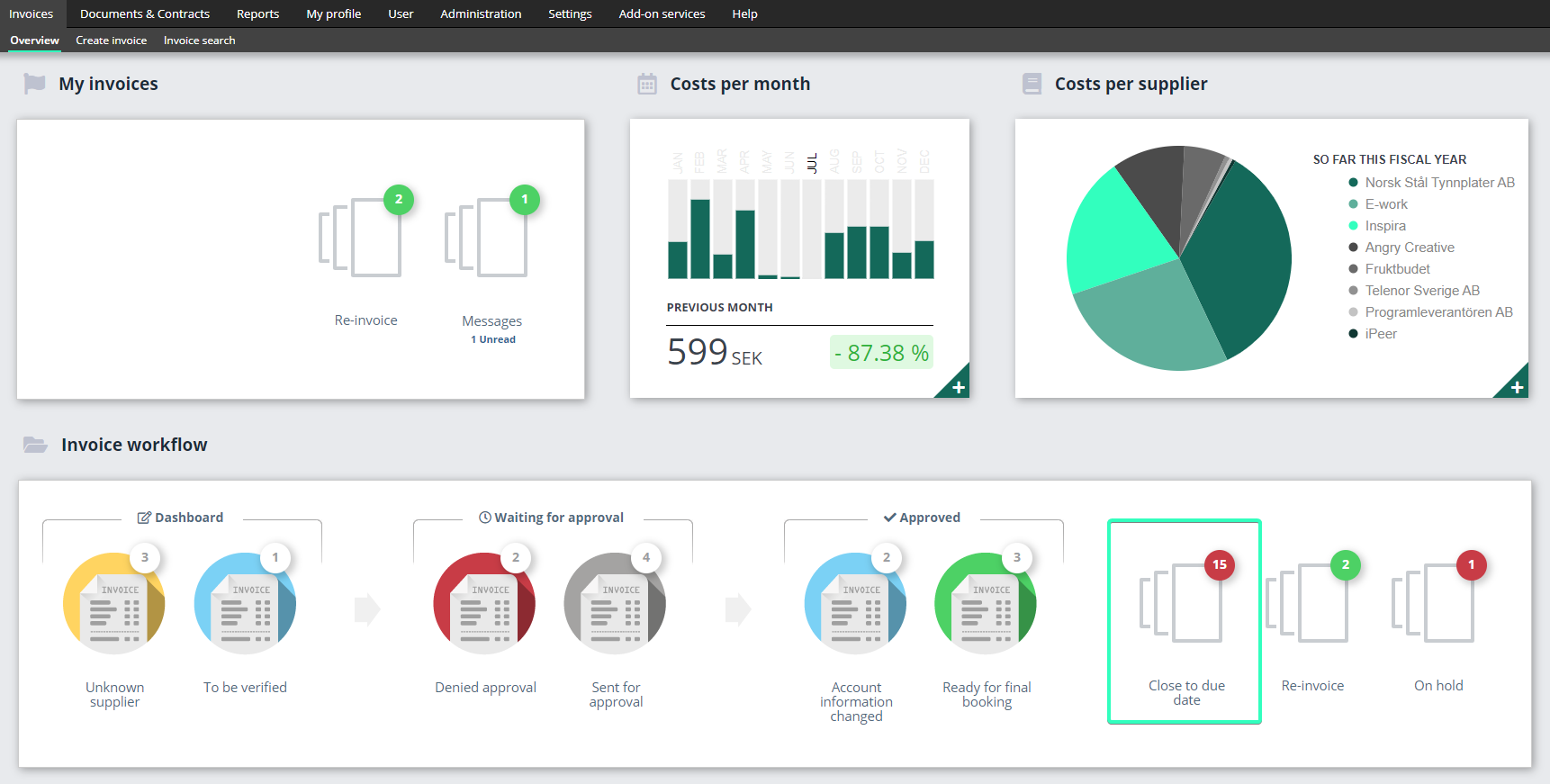
Set the number of days for the flag “close to due date”
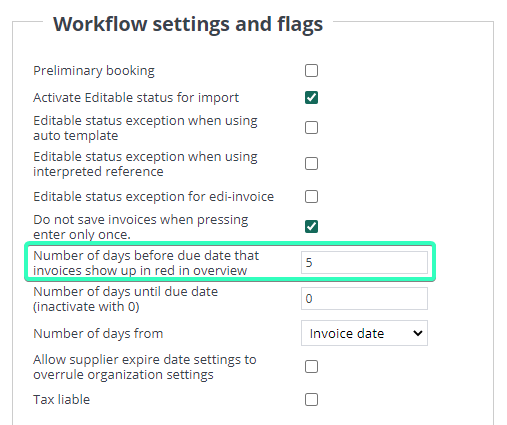
In the overview for invoice administrators, there is a folder with invoices flagged as Close to due date. It indicates how many invoices will shortly fall due for payment, that are still not approved, or not yet transferred to the ERP system. You can set how many days before the due date invoices should be flagged as Close to due date.
Close to due date
Go to Administration → Organization → Workflow settings and flags.
In the Overview, this flag is shown clearly on the right-hand side. If you click into the folder, all invoices that are flagged as Close to due date will appear in a list view. You can then choose to send a manual reminder mail, to ensure that payment is made on time.