Force users to change password
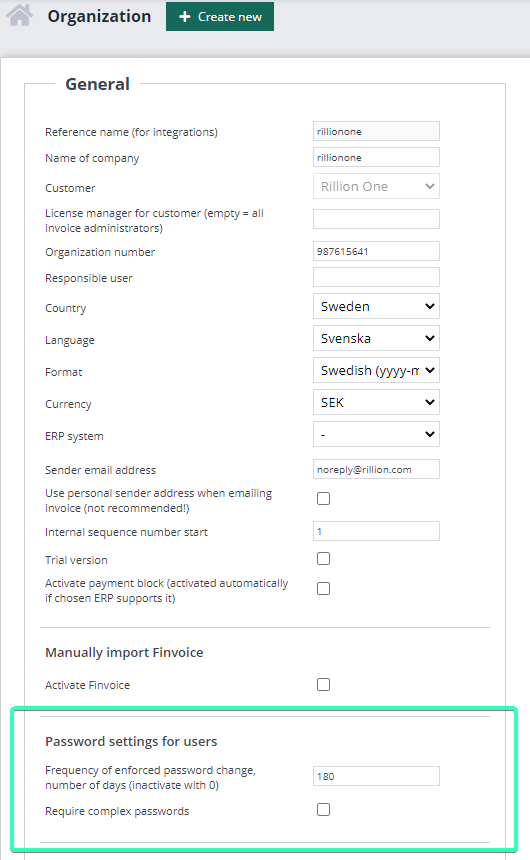
In Rillion One, you can make a setting that forces all users to change their passwords with a set frequency. You find this setting under Administration → Organization → General →Password settings for users.

The setting is disabled by entering 0 in this field. In the example below, a password change is forced on all users every 6 months (180 days).