Sensitivity for invoice duplicates
Rillion One reacts to duplicates in the system and there are two different settings to flag this. The most common setting means that Rillion One generates a warning message about duplicates if the invoice contains the same supplier and invoice number. The basic setting is set in Rillion One under Administration → Organization → Workflow settings and flags.
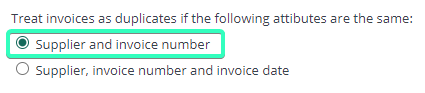
If you wish, you can change the setting and instead flag an invoice as a duplicate if the supplier, invoice number and date of the invoice are the same as an invoice already registered in the system.
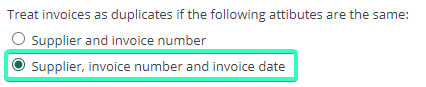
Now any invoices classed as duplicates in accordance with the settings you have made above will end up in the Overview in a folder called Duplicates.

Duplicate