Email invoice image
Administrators and approvers can email the image of the invoice from inside Rillion One to an external contact. The invoice image is automatically attached as a PDF file, and the email gets noreply@rillionone.com as the sender and the user’s email address gets a copy. If your contact responds to the email, their reply will end up in your regular email inbox.
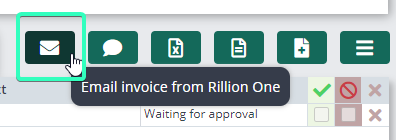
Email an invoice
By clicking on Email invoice above the posting line in the invoice view, you can send the invoice image directly from Rillion One.
Fill in the receiver's email address and a subject and message if you want. Then click on Send.