Locked periods in Rillion One
To avoid transferring invoices with the wrong date at the end of the month, you can lock periods in Rillion One. The warning message for locked periods is displayed on two occasions: when the invoice is going to be sent for preliminary booking in the financial system or approval, and at final booking. Under Administration →Organization, there is a setting Locked period exception at recording. You should select this setting if you only want the warning message about locked periods before the invoice is sent out for approval and not at booking in the financial system.
Lock periods
- Periods are set up under Administration → Periods.
- Click on Create new.
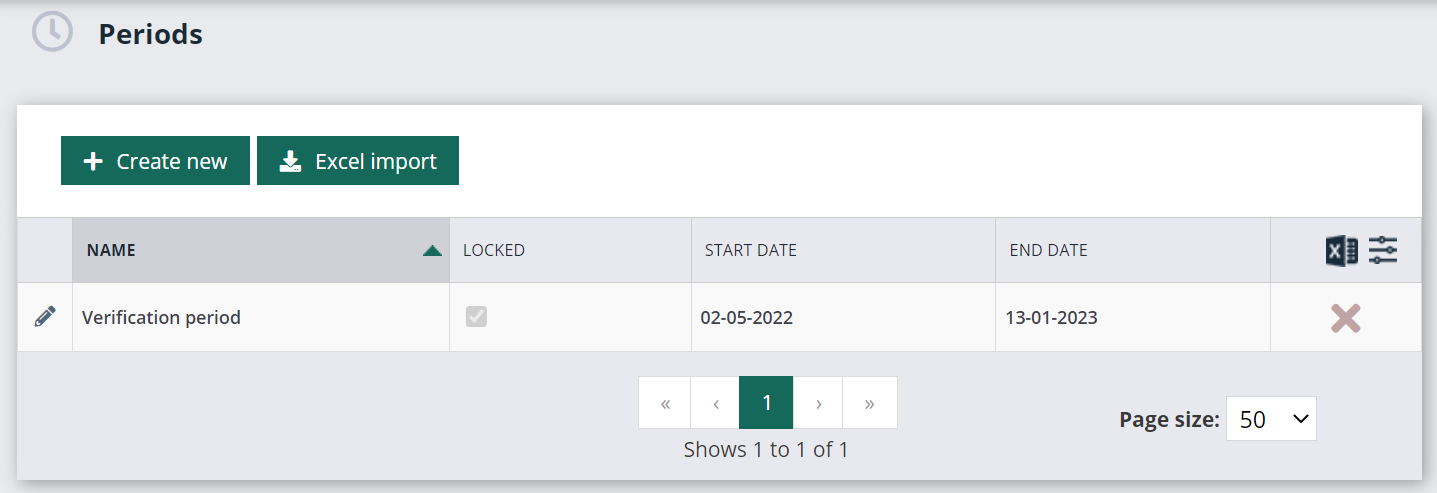
- Create an open period that you then adjust the Start date for prior to each new period.
For example:
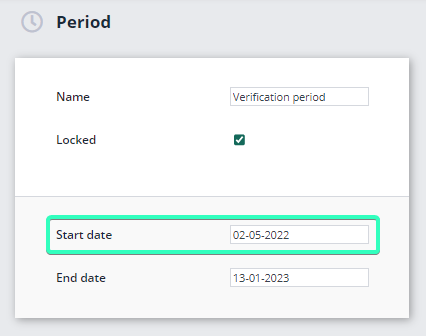
When you then close the month of August, you adjust the start date of the period in Centsoft as shown below:
What happens to invoices with an invoice date in a closed period?
If an invoice comes in with a date in the closed period, it will be stopped with the status Recording error, and the error message Period closed. The administrator can now change the invoice date and run the registration again.