Accounting rules
Accounting rules make it possible to both limit and expand Rillion Ones features for users. In this manual, we will go through the various ways of using accounting rules and the situations in which it may be appropriate to apply them.
Accounting rules to restrict access in Rillion One
In the example below, we will show how to limit the chart of accounts that approvers have access to, e.g., to make it easier for them to post if they do it themselves.
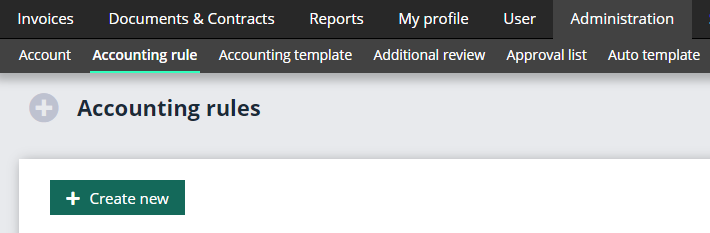
Go into Administration → Accounting rule → Create new.
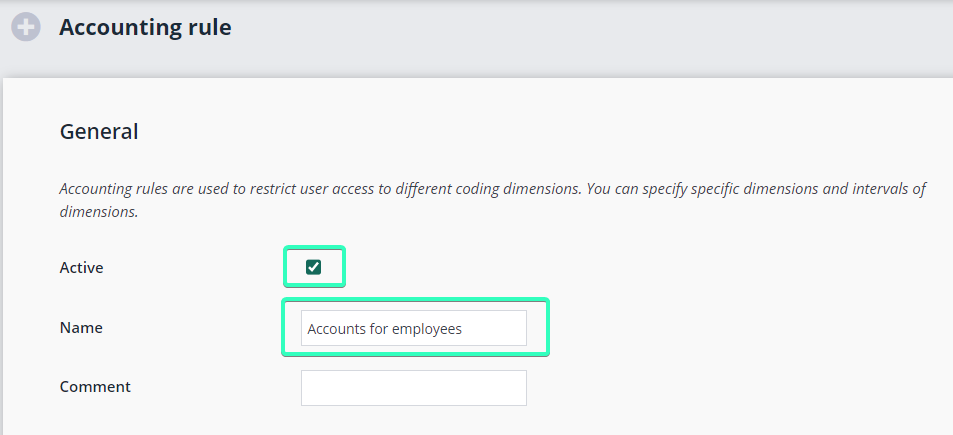
To enable, select the Active checkbox. Select a name for the rule that clearly describes its function, e.g., Chart of Accounts for employees in department 1.
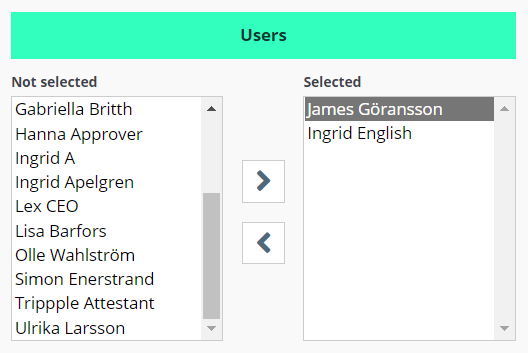
Then select the Users to be covered by this rule.
The dimensions that you use in your organization will be your options here. In this case, we will select the Accounts that the selected users will be able to choose from when they are going to post their invoices.
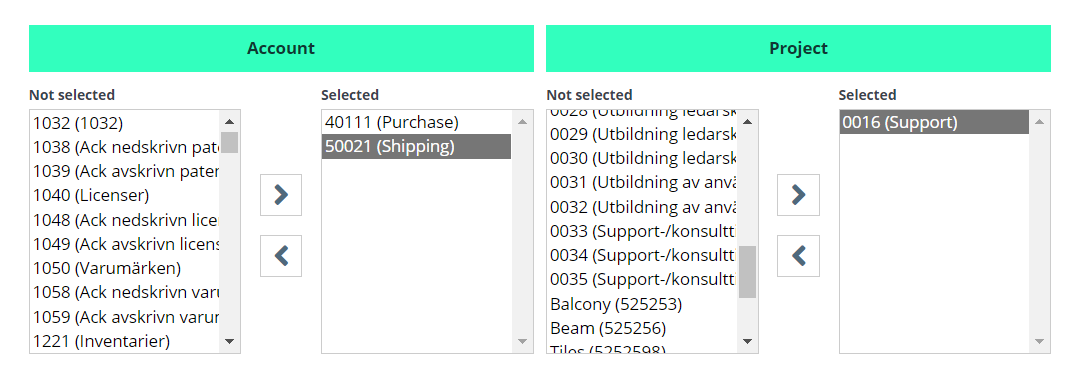
Finish by clicking on Save. Now only the affected users will be able to post to these accounts when they get invoices sent to them.
Accounting rules to expand access in Rillion One
Approvers normally only have access to their own invoices. If there are projects or other dimensions (e.g., cost centres) that a user ought to know about, you can expand their access to include these. In this example, we will go through how an approver can also view the invoices in a particular project.
- Create an accounting rule in a similar way as described above, but this time select the project from the list of projects instead. Finish by clicking on Save.
- Then go into User → User groups → Approver.
- Click on Invoice.

- Select the checkbox Search for invoices in accounting rules, then click on Save. Users in the user group selected for the accounting rule can now search for all invoices in a particular project.
